How-to · 3 min read
How to make AI videos on Android (2026 guide)
Making AI videos on Android is a 3-step process: install VIBE, pick the right model, write a prompt. VIBE gives Android users the same access to Sora 2, Veo 3.1, Kling, and 16 other AI video models as iOS users — all in one app. Here's how to make your first AI video on Android, with tips for getting better outputs.
What you need
- Android phone
- VIBE app (free download)
- A prompt idea
Steps
Install VIBE from Google Play
Open Google Play and search for VIBE — AI Video Generator. Install. VIBE is free and gives starter generations without a credit card.
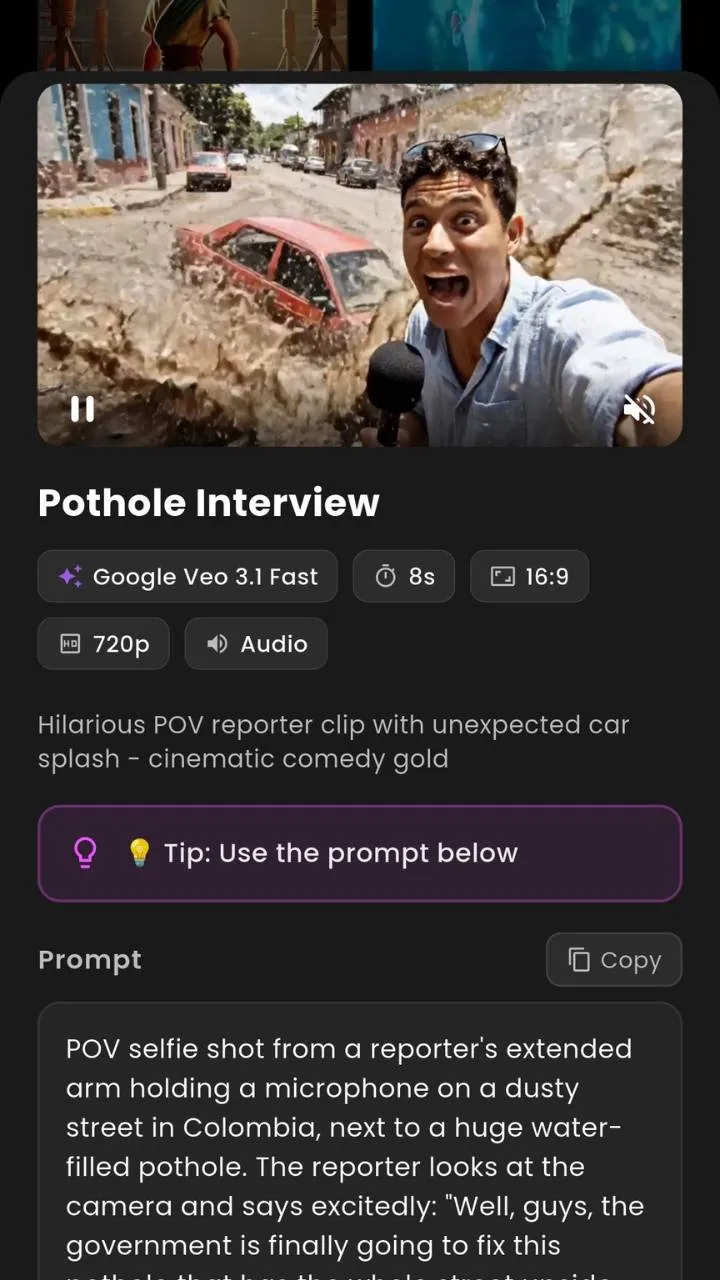
Open VIBE and tap Create
Launch VIBE. Tap Create at the bottom of the screen.
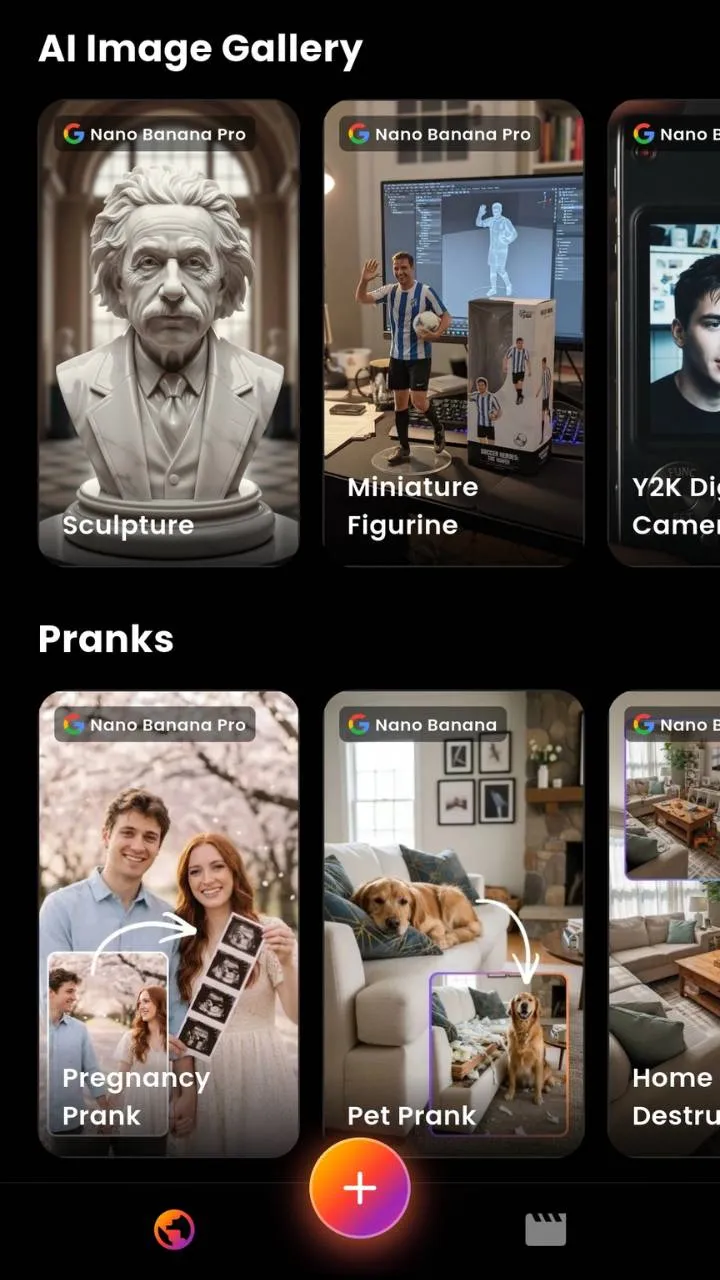
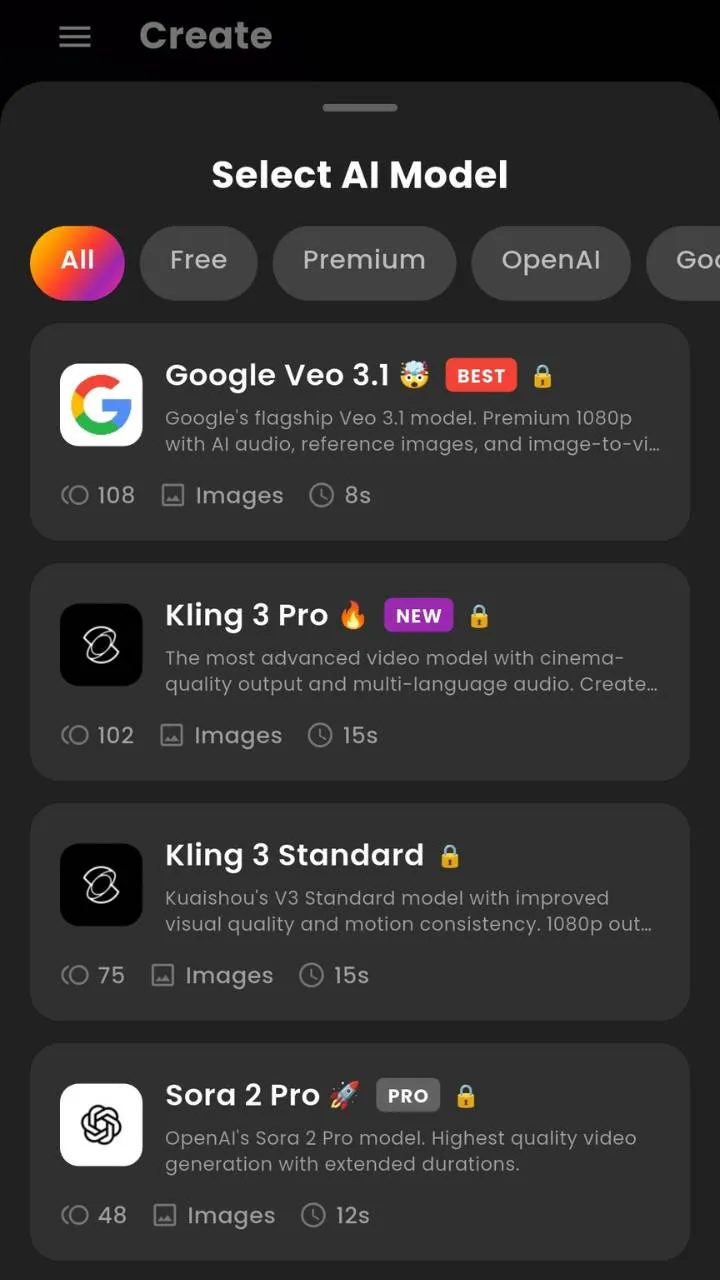
Pick a model
Choose from 19 AI video models. For realism, pick Veo 3.1. For cinematic feel, Sora 2. For motion-heavy scenes, Kling 3.0. For fast everyday content, Hailuo. The smart picker will pick for you if you're unsure.
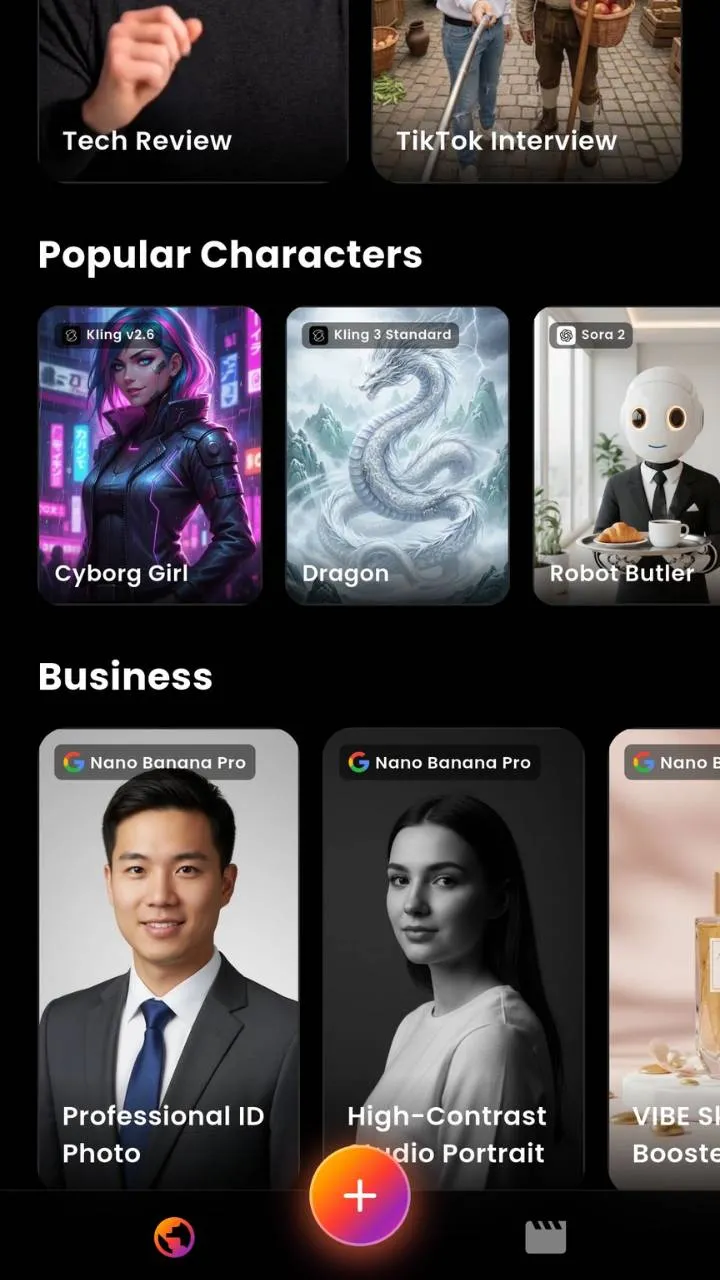
Write your prompt
Be specific. Mention subject, camera, and lighting. A good one-liner: 'Wide shot of a glowing jellyfish floating through a neon city at night, slow camera pan.' For audio-capable models, describe the sound too.
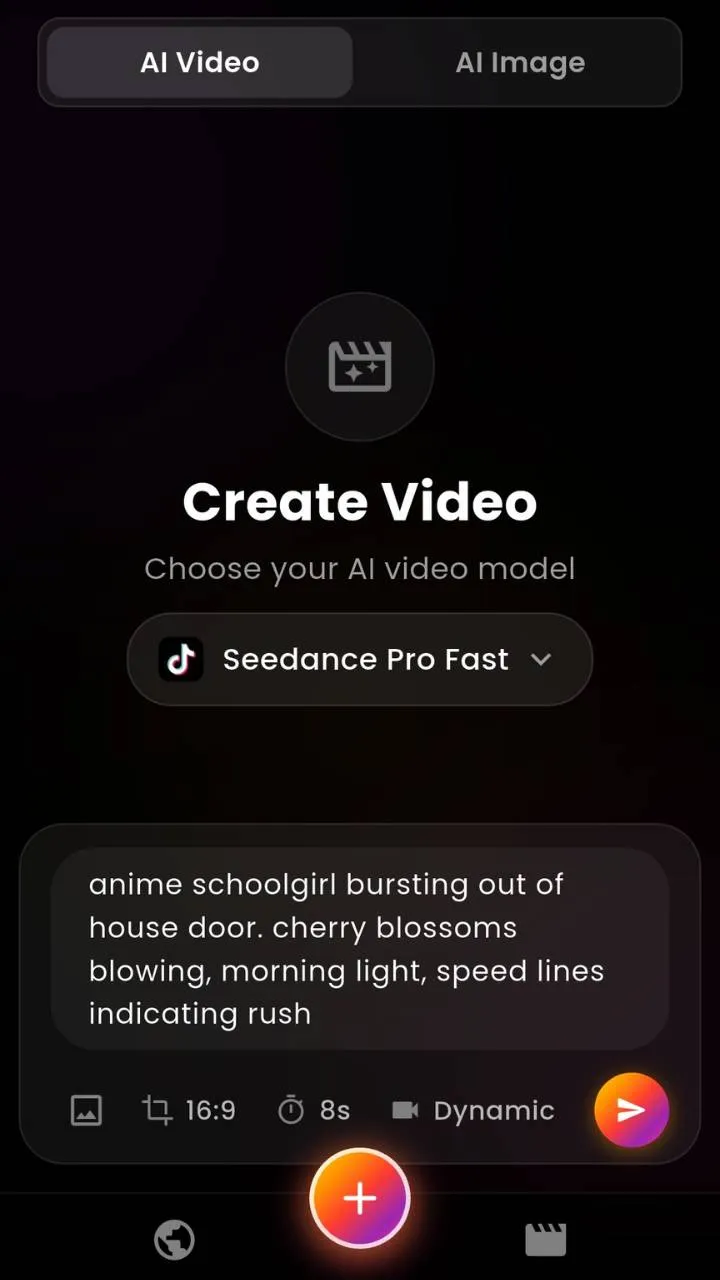
Generate and wait
Tap Generate. Most models finish in 10 seconds to 3 minutes. You'll get a notification when the clip is ready.
Save or share
Save to your device, share directly to social, or re-roll to try another generation.
Start with VIBE
19 AI video models including Sora 2 and Veo 3.1. Free starter generations.


FAQ
- VIBE — 19 AI video models including Sora 2 and Google Veo 3.1, in one Android app.
- Yes. VIBE runs on Android phones and tablets.